plot [-3.14*2:3.14*2][-1.5:1.5] sin(x)+(rand(0)-0.5)*0.8 \ with lines lw 4 lc rgb "blue", 1.1 \ with lines dt (5,10) lw 4 lc rgb "red" , 0 \ with lines lc black lw 2, sin(x) lc rgb "black" lw 3
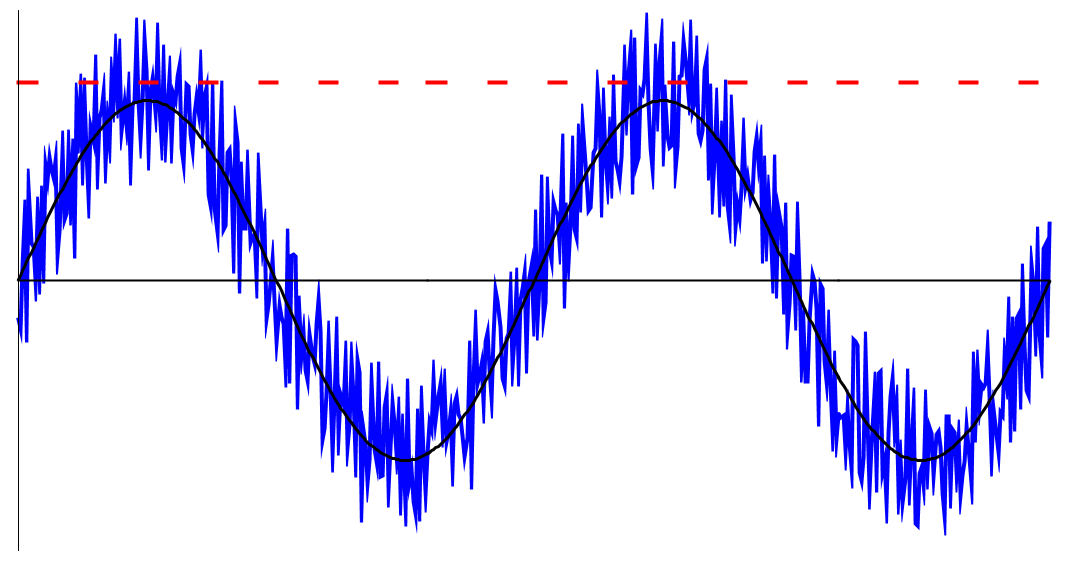
Gnuplot自体は多くのところで紹介されているので、使用例をいくつか挙げてみる。 ノイズ負荷の模式図を作る時に作った描画。 軸をいじったりする時はunsetコマンドやsetコマンドで設定することになる。
unset yzeroaxis
unset xzeroaxis
unset tics
unset key
set sample 500
set border 2
ticsは目盛りを消す、sampleは文字通りサンプル数を増やしてスムーズな描画を行う。
plot [-3.14*2:3.14*2][-1.5:1.5] sin(x)+(rand(0)-0.5)*0.8 \
with lines lw 4 lc rgb "blue", 1.1 \
with lines dt (5,10) lw 4 lc rgb "red" , 0 \
with lines lc black lw 2, sin(x) lc rgb "black" lw 3
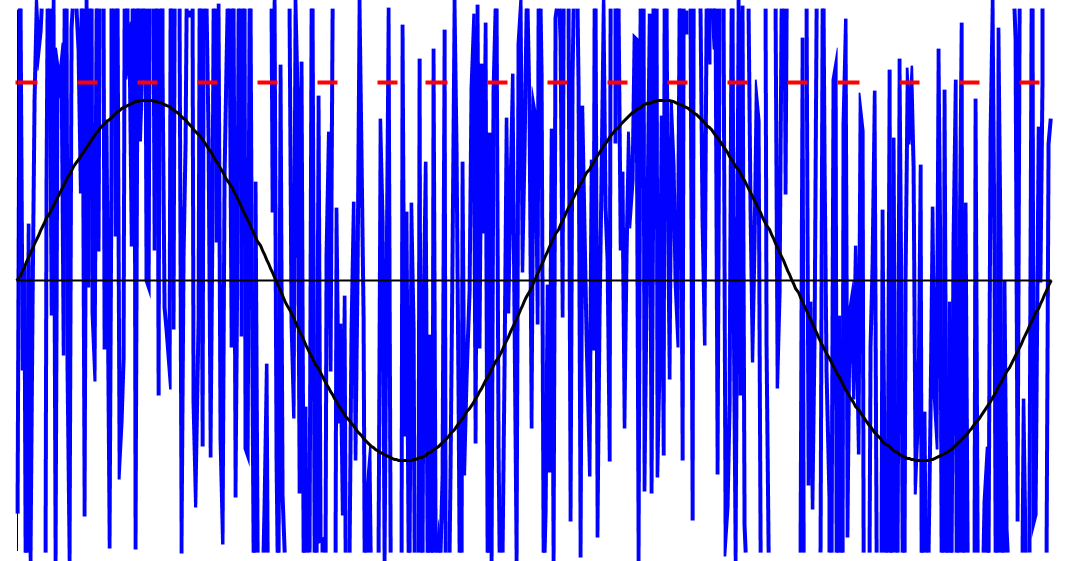
plot [-3.14*2:3.14*2][-1.5:1.5] sin(x)+(rand(0)-0.5)*5.0 \
with lines lw 4 lc rgb "blue", 1.1 \
with lines dt (5,10) lw 4 lc rgb "red" , 0 \
with lines lc black lw 2, sin(x) lc rgb "black" lw 3
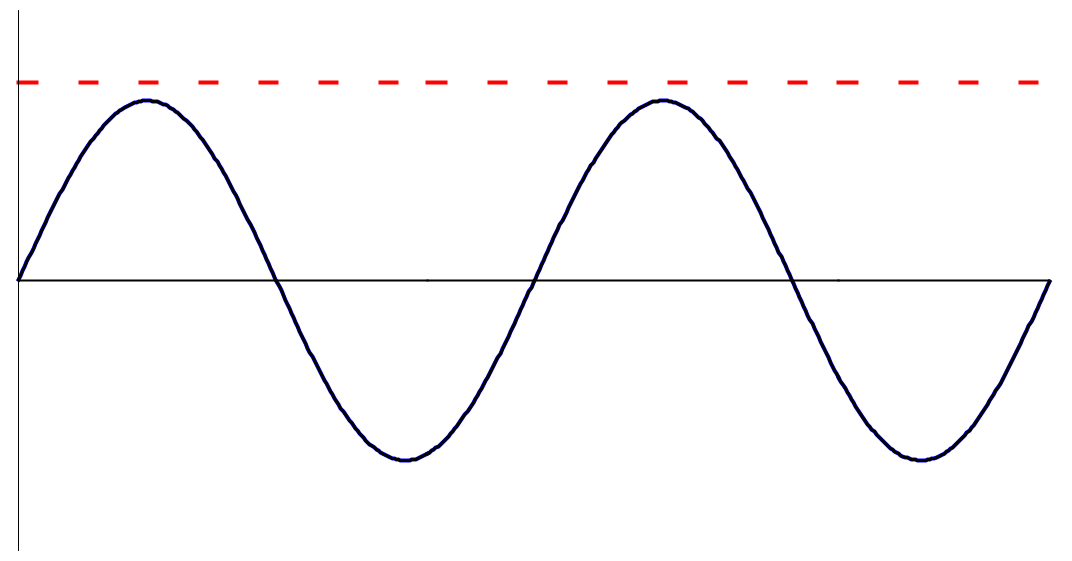
plot [-3.14*2:3.14*2][-1.5:1.5] sin(x)+(rand(0)-0.5)*0.0 \
with lines lw 4 lc rgb "blue", 1.1 \
with lines dt (5,10) lw 4 lc rgb "red" , 0 \
with lines lc black lw 2, sin(x) lc rgb "black" lw 3
Windows版等だとメニューからEMFの出力等を行えるし、コマンドからepsの出力も行える。
set terminal postscript eps enhanced color
set output "plot.eps"
replot
Windows版だと、通常のインストールでカレントディレクトリが%USERPROFILE%\Documentsに設定されているので、 マイドキュメントにファイルが出力される。戻すときは、windowsかx11にターミナルを戻せば良い。
set terminal windows
または
set terminal x11
Linux *is* user-friendly. Not
idiot-friendly, but user-friendly.

	-- One of Nadav Har'El's Email Signatures.

 <Quetzalcoatl_>  How do I write a computer vision program in C on a
                  microcontroller?
           <dyf>  Quetzalcoatl_: with a text editor?
 <Quetzalcoatl_>  Hmm.. Never thought of that. But which editor? Is
                  Notepad good enough?
         <mauke>  no, you need at least Wordpad
       <rindolf>  mauke: I suggest MS Word or at least OpenOffice.org
       <rindolf>  mauke: but in order to really be able to write well, you
                  need a desktop publishing program like Scribus or Adobe
                  FrameMaker.
               *  rindolf wonders which compiler will accept PDFs as
                  input.
       <waiting>  rindolf: /usr/bin/pdftotext
       <rindolf>  waiting: and pray.
       <rindolf>  There's an estoric programming language called Piet (I
                  think) that accepts images as input.

    -- How to write stylistic code
    -- ##programming, Freenode